A website relaunch without a checklist is like building a house without a blueprint. It becomes expensive, takes longer than planned, and in the end the result is not right. Sounds exaggerated? In our work with mid-sized companies, we regularly see relaunch projects stall because fundamental steps are skipped or tackled in the wrong order.
The good news: this can be avoided. With a clear structure, defined milestones, and a well-thought-out project plan, your relaunch does not become an endless construction site but an efficient process with measurable results. That is exactly why we developed this website relaunch checklist. It is based on experience from over 60 completed projects for companies in industries such as real estate, consulting, SaaS, and services.
In this article, you will receive a practical 10-step plan that you can apply directly to your project. Step by step, from the first analysis to a successful go live.
This checklist is for you if you find yourself in one of these situations:
If any of these points apply to you, you are in the right place. Our website relaunch checklist covers all relevant aspects, from technology and content to strategy. We show you what truly matters.
A website relaunch checklist is a structured guideline that organizes all necessary steps, tasks, and checkpoints of a relaunch project into a logical sequence. It ensures that no critical aspect is overlooked and that everyone involved follows the same roadmap.
Why is this so important? Because a relaunch has many moving parts. Strategy, design, technology, content, SEO, photos, videos, copy, approvals, testing. Without a checklist, you lose oversight. And when you lose oversight, you lose time, money, and in the worst case, your Google rankings.
In over 25 website relaunch projects, we have learned that the smoothest projects are those that follow a clear project plan from the very beginning. Not because creativity is not important, but because structure is the prerequisite for creativity to have a focused and effective impact.
Before we go into the details, here is an overview of all ten steps. Each step is explained in detail below.
Let us take a closer look at each step.
The first phase lays the foundation for your entire relaunch. This is where it is decided whether your project stands on solid ground or is built on sand.
Before you build something new, you need to understand what you have. Create a complete crawl of your existing website. Document all URLs, their traffic data, and the most important rankings. Identify the pages that perform best and the pages that no one visits.
Briefly explained: a crawl is an automated scan of your entire website that captures all existing pages, their structure, and technical details. Tools like Screaming Frog or Sitebulb can do this in just a few minutes.
Also check the technical health of your website. How fast do your pages load? Does the mobile view work properly? Are there any security issues? This analysis shows you in black and white where your current website stands and where the most urgent action areas are.
What exactly should your new website achieve? Without clear goals, you cannot measure the success of your relaunch. And what you cannot measure, you cannot improve.
Define measurable KPIs (Key Performance Indicators), for example:
Increase contact inquiries by 30 percent within six months
Improve organic visibility for your top keywords
Reduce the bounce rate by 20 percent
Increase average time on site to over three minutes
These goals are your compass for all further decisions. Every design choice, every piece of copy, and every technical function should contribute to at least one of these goals.
Who do you want to reach with your website? What does your target audience expect when visiting your site? What questions do they have? What objections? And how does your competition address these questions online?
Take a look at the websites of your most important competitors. Not to copy them, but to be better. Where are the gaps you can fill? Where are your competitors positioned strongly, and where weakly?
At K&R, we start every project with exactly this analysis. Because anyone who does not know their target audience and their competition is designing blind. And when you design blind, you rarely hit the mark.
Now it becomes concrete. In this phase, the framework of your new website is created, in terms of both content and visuals.
Information architecture is the backbone of your website. It determines how your content is structured, how navigation is set up, and how users move through your site. Good information architecture guides visitors intuitively to the goal, whether that is the contact form, the services page, or the careers portal.
Create a sitemap that maps out all planned pages and their hierarchy. Define the main navigation and the subpages. And ask yourself for each page: what purpose does it serve? What action should the visitor take here?
A common mistake: companies simply adopt the old page structure. But if your old structure did not work, it will not suddenly work just because it has a new design. Use the relaunch as an opportunity to rethink your information architecture from the ground up.
Content is the reason visitors stay on your website or leave it. 50 milliseconds are enough for the first visual impression. But whether someone develops trust and gets in touch is determined by the content.
Create a content plan for each page. Define which existing texts will be retained, which will be revised, and which need to be completely rewritten. Plan professional photo shoots if your visual world is outdated. And do not forget: good content is written with sales psychology in mind, speaks the language of your target audience, and is also optimized for search engines.
Because people buy with their eyes. But they decide with their heads. And for that, they need content that convinces.
Now your website gets a face. The design should not be created in a vacuum, but based on your branding, your target audience analysis, and your content strategy. Design without strategy is decoration. Design with strategy is a sales tool.
Ensure a consistent brand world across all touchpoints. The colors, fonts, and imagery of your website should seamlessly match your corporate design. You know that moment when an airline’s booking process suddenly changes color? A brief shock. That is exactly what happens to your visitors when your brand world is inconsistent across touchpoints.
Equally important is UX design, meaning the user experience. Every page needs a clear hierarchy, intuitive navigation, and an unambiguous next step for the visitor. No dead ends, no confusion, no unnecessary noise.
Concept is done, design is done, content is done. Now it is time to build.
In this phase, the design is turned into a functioning website. Make sure you use clean, semantic HTML code that is optimized for both users and search engines. The website must work flawlessly on all devices, from smartphone and tablet to desktop monitor.
Key technical requirements for your relaunch:
Mobile-first approach, because over 60 percent of visits come from mobile devices
Loading times under three seconds, ideally under two
SSL encryption (HTTPS) as a basic requirement for trust and rankings
Clean URL structure that is readable for both users and Google
Accessibility according to current standards
Whether you use WordPress, TYPO3, or another CMS (Content Management System), what matters is that the technical foundation is future-proof and that you can maintain your content independently afterward. We clearly recommend not using WordPress anymore these days. You can find out why best in a personal conversation with us.
This step is most often neglected and at the same time one of the most critical. If URLs change and no redirects are set up, you lose your Google rankings, in the worst case overnight.
Create a complete redirect table. Every old URL must be redirected to the corresponding new URL via a 301 redirect. Update your XML sitemap. Check your robots.txt file. And make sure all internal links point to the new URLs.
Briefly explained: a 301 redirect is a permanent redirect that tells search engines and users that a page has permanently moved to a new address. Without this redirect, an error message appears (404 page), and Google removes the old page from the index.
You can find detailed strategies for SEO migration in our article on SEO during a website relaunch.
The finish line is in sight. But first comes the most important quality check.
Before your new website goes live, it must be tested. Thoroughly. On all devices, in all relevant browsers, and across all usage scenarios.
Check every page systematically: are texts and images correct? Do all links work? Do the forms load correctly and are inquiries delivered? Are loading times on target? Is the mobile view flawless? Are all SEO elements, such as page titles, meta descriptions, and alt texts, correctly implemented?
Create a testing checklist and work through it point by point. Have at least two people test independently. Anyone who has worked on the project for months can easily overlook errors that fresh eyes spot immediately.
The big moment. Your new website goes live. But the project is not over, it enters a new phase.
Submit your updated sitemap to Google Search Console immediately. During the first two to four weeks, monitor the most important metrics daily: rankings, organic traffic, conversion rate, loading times, and crawling errors. React quickly if something is not right.
Plan an initial review after four to six weeks. Are your defined KPIs being achieved? Which pages perform especially well, and which do not? Use these insights to optimize in a targeted way. A relaunch is not an endpoint, it is the starting signal for the continuous development of your digital presence.
In over 60 projects, we have seen what causes relaunches to fail. Here are the five most common mistakes so you can avoid them.
Mistake 1: Starting directly with design. Without a concept, without defined goals, without target audience analysis. The result is a website that looks good but communicates past the target audience. Invest the time in Phase 1, it pays off multiple times.
Mistake 2: Copying the old page structure one to one. If your old website did not work, it is often because of the structure. Use the relaunch as an opportunity to completely rethink your information architecture, not just refresh the design.
Mistake 3: Forgetting SEO redirects. The most expensive mistake of all. Missing 301 redirects can destroy rankings that were built up over years. Plan the SEO migration from the very beginning, not the day before go live.
Mistake 4: Underestimating content. Many projects are delayed because the texts are not finished on time. Plan content creation in parallel with design and development. Not afterward.
Mistake 5: Doing nothing after launch. The website goes live and then silence. Without monitoring and optimization, you waste potential. The first weeks after launch are crucial.
How long does a professional website relaunch take? The answer depends on the scope, but a realistic timeframe for mid-sized companies is eight to twelve weeks. At K&R, we work in a way that ensures no more than three months pass from project start to go live.
Here is an example project plan with four phases:
Weeks 1–2: Analysis and Concept Assessment, goal definition, target audience and competitor analysis, information architecture.
Milestone: Approved concept document.
Weeks 3–5: Design and Content UX concept, screen design, content creation, photo shoot.
Milestone: Approved design and finalized content.
Weeks 6–9: Development and SEO Technical implementation, CMS integration, SEO migration, redirects.
Milestone: Fully functional staging website.
Weeks 10–12: Testing and Go Live Quality assurance, corrections, launch, monitoring.
Milestone: Successful go live with proper monitoring in place.
This timeframe is realistic if both sides, agency and client, work in a structured way. Delays almost always occur due to missing approvals or late content delivery. Our tip: define fixed deadlines for every approval and stick to them.
Theory is good. Results are better. Let us look at how a structured relaunch works in practice.
When we redeveloped the entire external presence for proQtech, an international B2B distributor in the electronics industry, the challenge was typical for mid-sized companies: a complex product portfolio that had to be presented clearly and convincingly online. The old website could not communicate the quality of the offering.
We executed the relaunch exactly according to the process outlined in this checklist, starting with an in-depth analysis of the existing presence, followed by a new brand identity concept and technical implementation with SEO optimization. The result: the lead rate more than doubled and typical sales objections practically disappeared.
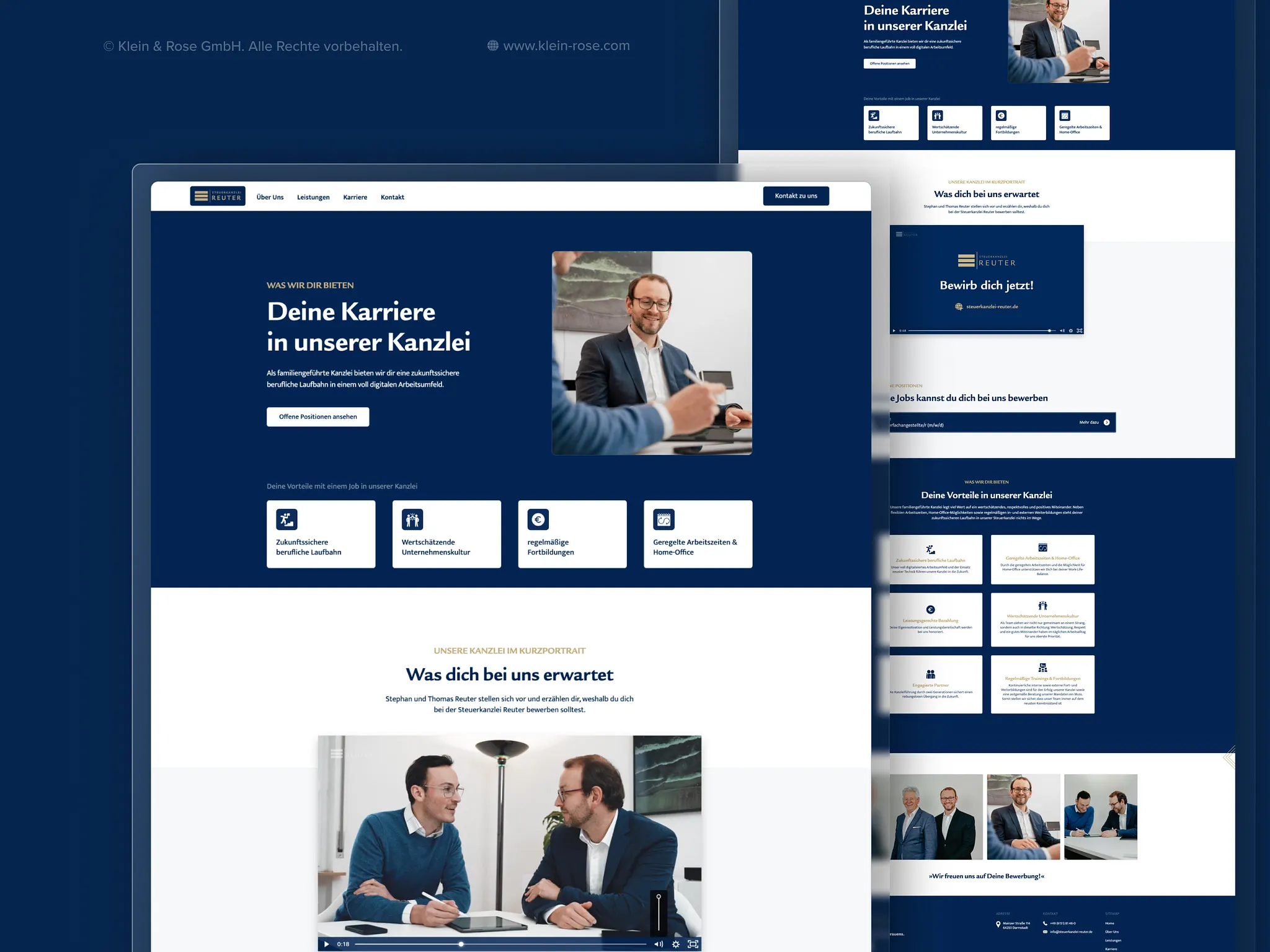
A similar approach was taken for Steuerkanzlei Reuter, a second-generation tax advisory firm. The relaunch included brand identity, web design, a careers portal, and SEO. The structured process ensured that the project was completed within the planned timeframe, and afterward the firm was able to attract both new clients and new employees through its digital presence.
Better branding equals fewer objections, equals more trust, equals more revenue. This applies to every relaunch, provided the foundation is solid. And that is exactly what this checklist is for.
You can find the complete overview of process, costs, and strategy in our comprehensive guide to website relaunch.
A website relaunch is a complex project. But it does not have to become an endless construction site. With a clear website relaunch checklist, defined milestones, and a structured project plan, you create the foundation for a result that is impressive and financially worthwhile.
The most important points from this article summarized: always start with analysis, never with design. Define measurable goals before you begin. Plan content and SEO migration from the start. Test thoroughly before going live. And actively monitor performance after launch.
At K&R, we know that the relaunches that run according to plan are always those that have a clear roadmap from the very beginning. Because without branding there is no trust, without trust there is no sale. And without structure, there is no successful relaunch.
You now have a clear roadmap for your website relaunch. If you would like experienced partners to guide you through every step, we look forward to the conversation. Whether you have initial questions or a concrete project in mind, we are here for you.
.webp)



.webp)
.webp)


